We’d been using an “About Me” brochure for a few years, but last year when my daughter started pre-kindergarten at age four, I wanted to make something more fun and inviting, something her teachers would actually enjoy reading, and that we’d have fun sharing too!
So, I decided to give it a creative refresh. Instead of a plain document, I made a new “About Me” pamphlet using Canva, a free online design tool. I added bright colours, playful graphics, and photos to make it feel more like her- cheerful and full of personality. It took a little time to get everything lined up just right, but once the layout was done, it became a reusable template we can easily update anytime.
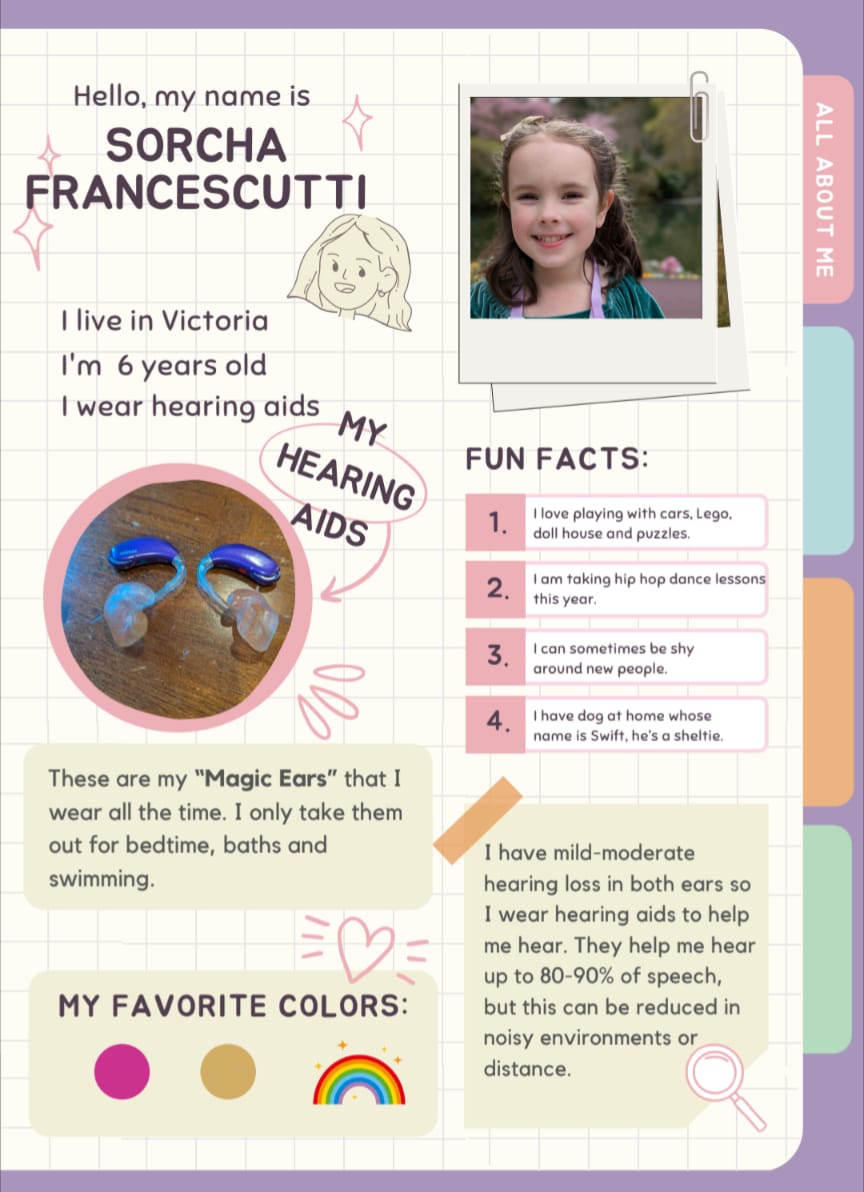
The new version included similar content to our previous version, but more fun:
- A friendly “Hello, I’m…” section with her photo
- What she loves (activities, friends, favourite colours)
- A few notes about her hearing aids and partner mic
- Helpful tips for communication and classroom setup
- Contact info for quick follow-up questions
We first shared this colourful, playful version with her pre-kindergarten teachers last year, and they loved it! Later, we started sharing it with her summer camp teachers, usually a week or two before camp started, so they could read it in advance. That small step made a big difference.
Some camp staff only worked with her for a week or two, so the pamphlet gave them a quick, visual way to understand her needs and personality before we even showed up on day one. One camp manager said they wished every child had one, because it made it so easy to connect and support her right away.
Now that the template is set up, it’s simple to update each new school year or camp season. It’s become a tool that not only helps teachers and staff, but also gives our daughter a sense of pride and ownership. She loves seeing her pictures and helping choose what to include!
If you’d like to try it yourself, Canva.com is free and easy to use, even if you’ve never designed anything before. You can start with one of their brochure templates or create your own from scratch, and once you’ve built it, you’ll have a ready-to-go resource for years to come.
Tips for Creating Your Own “About Me” Pamphlet in Canva
- Start with a template: Canva has free brochure and flyer templates. Pick one that fits your child’s personality. You can even search for All About Me to see some great templates to get you started.
- Keep it visual: Add a few photos so teachers and staff can recognize your child easily.
- Highlight key info: Include communication needs, equipment (like hearing aids or FM systems), and what helps your child feel confident and included.
- Add some fun details: Favourite games, colours, or a “Did you know?” section helps staff connect with your child personally.
- Share it early: Send it to teachers or camp leaders a week or two before school or camp begins — it gives them time to get familiar and prepare any supports in advance.
- Update as they grow: Save your file as a template so you can quickly refresh it for new classes, teachers, or camps.
To make your own, go to Canva.com then go to create a design. You can search for All About Me to see some great examples so you can make them your own. Have fun!
Here’s another example of an “All About Me” sheet.
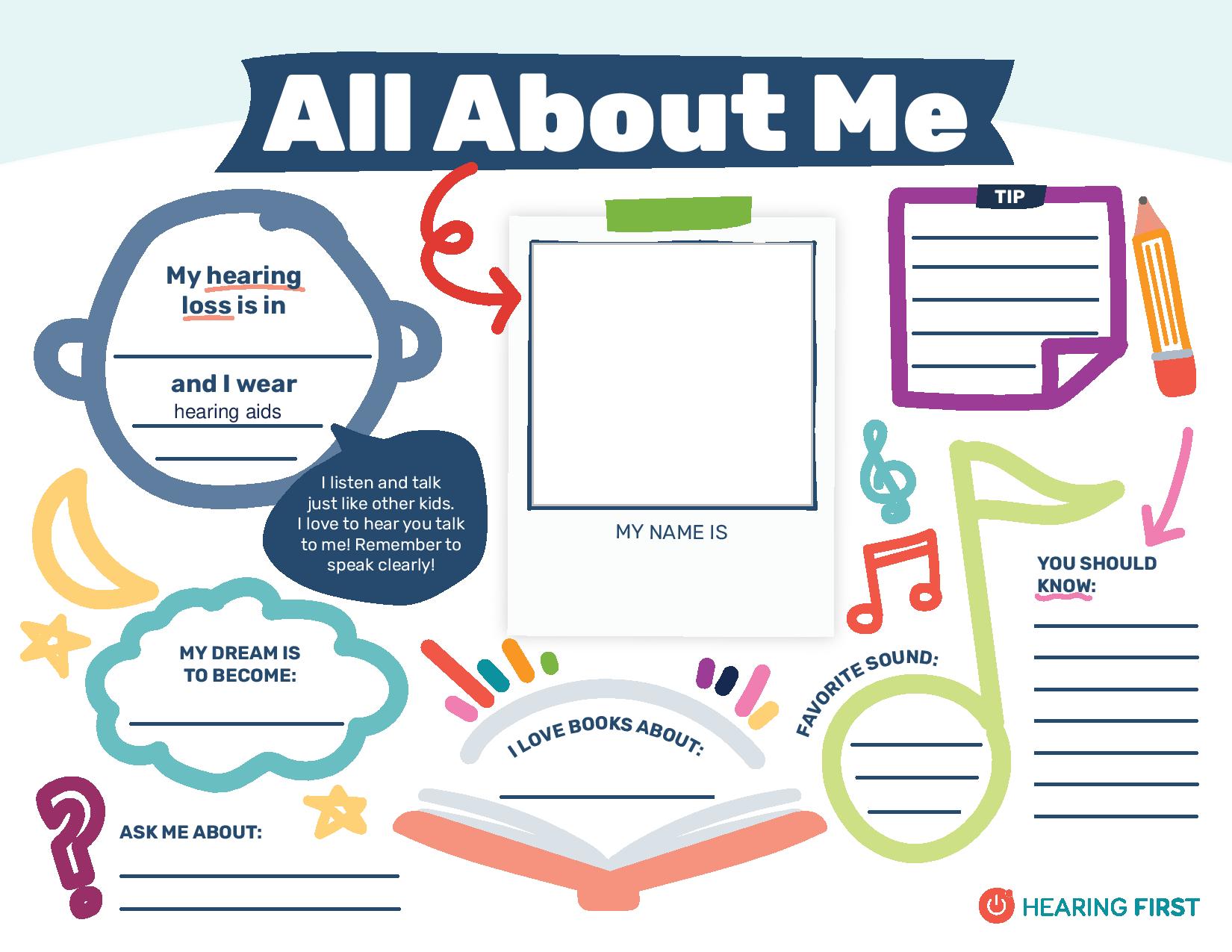
https://www.hearingfirst.org/all-about-me-worksheet
Here’s a link to another article we wrote about this topic!
https://bchandsandvoices.com/post/a-helpful-tool-for-people-supporting-your-dhh-child/
